

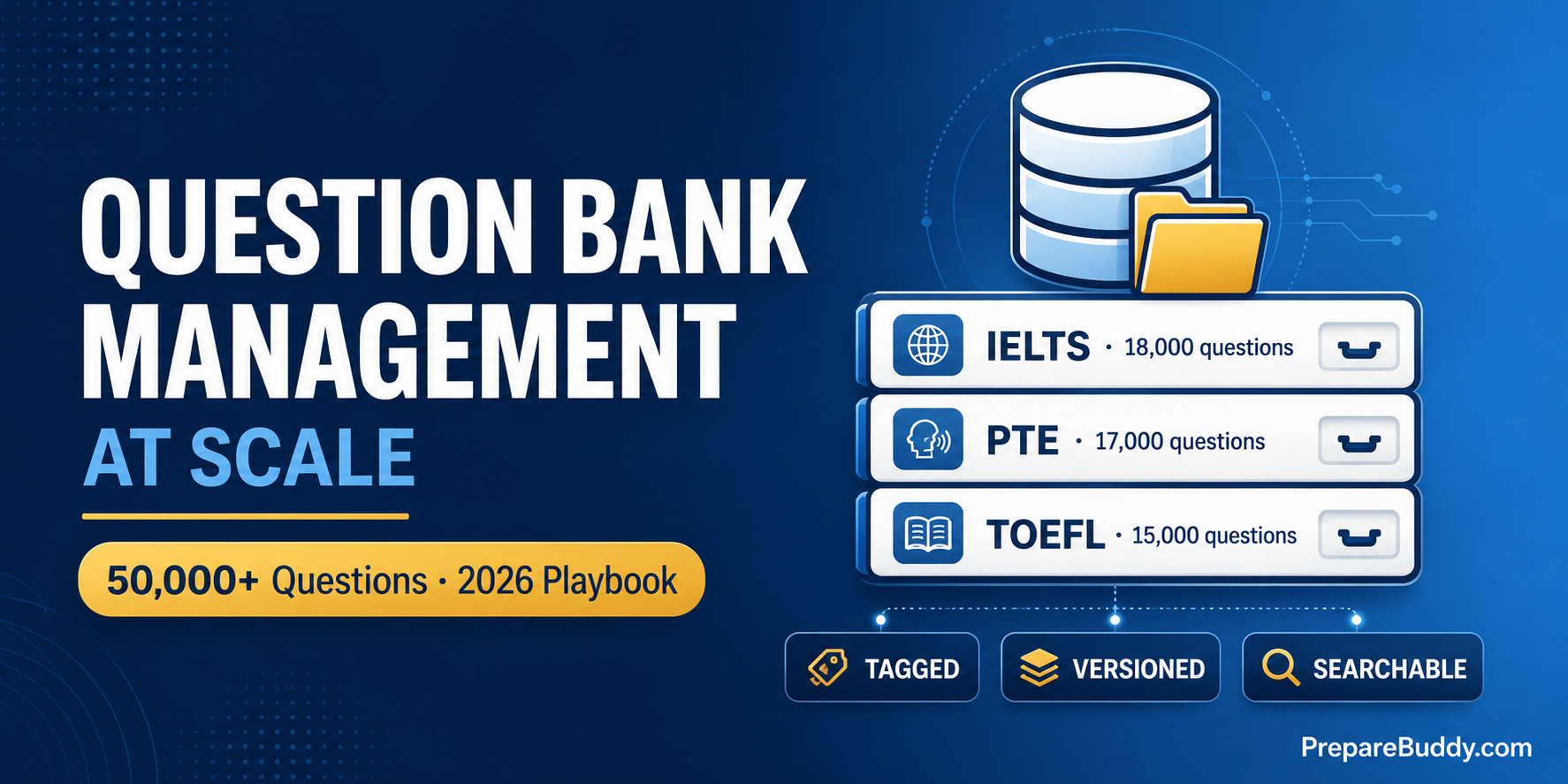
A mid-size PTE and IELTS coaching center with 3 branches and 600 active students needs roughly 45,000–60,000 unique practice questions in active rotation to keep students from seeing the same item twice in a 12-week course. That number rises past 100,000 once you add a TOEFL or CELPIP vertical. Most coaching centers hit this wall around month 18 of operation — not because they can't write questions, but because their question bank management system was never built for scale in the first place.
What started as a single Google Drive folder becomes 47 sub-folders. A teacher updates the answer key in their copy, not the master copy. The Hyderabad branch builds a 4,000-question PTE Read-Aloud bank that the Pune branch never sees. New teachers spend their first month re-creating questions that already exist somewhere on the server. By the time an exam pattern changes (PTE refresh, IELTS computer-delivered tweak, new TOEFL question type), nobody knows which folder to update.
This playbook is for the coaching center owner who has felt that pain. We'll walk through the four pillars of question bank management at scale, show how a hierarchical multi-tenant system replaces folder chaos, and give you a 4-week migration plan you can run without putting classes on hold.
Why Question Bank Management Breaks at Scale
A question bank isn't a content library. It's a versioned, tagged, permissioned, attempt-tracked dataset that has to support five very different operations at once:
- Teachers creating and importing new questions every week.
- Students taking mock tests and practice sets without seeing repeats.
- Analysts reporting on which questions are too easy, too hard, or broken.
- Admins sharing content across branches without losing per-branch control.
- Auditors (or test boards) tracing who edited what and when.
A folder structure handles operation #1 and breaks the other four. The result is a hidden cost: the typical 3-branch coaching center spends 18+ hours per week of teacher and admin time on question-bank firefighting — finding lost items, deduplicating, re-tagging, and chasing version mismatches. That's the same 18+ hours per week PrepareBuddy customers reclaim once they move grading and question management onto an AI platform — a number we hear consistently across the 200+ institutions on the platform.
The 4 Pillars of Question Bank Management at Scale
Pillar 1: A Real Hierarchy, Not a Folder Tree
The single biggest unlock is moving from flat folders to a true multi-tenant organisation hierarchy. Folders are storage; hierarchy is permissions, inheritance, and analytics.
The PrepareBuddy Custom Exams system uses a three-level hierarchy that mirrors how real institutes actually operate:
Parent Organization (e.g., "Acme Coaching Group")
  ├── Branch 1 (Mumbai)
  │     ├── Department: PTE Academic
  │     └── Department: IELTS Academic
  ├── Branch 2 (Bangalore)
  │     └── Department: TOEFL iBT
  └── Branch 3 (Hyderabad)
        └── Department: PTE Core + CELPIP
Three properties make this scale where folders fail:
- Inheritance. Content created at the parent level is automatically visible (read-only) to every branch and department. Pune doesn't have to copy Mumbai's PTE Reorder Paragraphs bank — it inherits it.
- Branch-level write control. Each branch can still create its own private questions for local mock tests without polluting the parent bank.
- Role-based permissions. Super Admins, Admins, Examiners, and Members each get different create/edit/delete rights at each level of the tree. A new teacher can be scoped to a single department on day one.
Pillar 2: Three Ways to Add Questions — Pick the Right One Per Use Case
The second pillar is recognising that not every question gets created the same way. The PrepareBuddy Custom Exam Creator supports three modes side by side, all producing the same standard exam format:
| Creation Mode | Best For | Time Per Exam | AI Involved? |
|---|---|---|---|
| AI Generate | Fresh practice sets on demand, themed mock tests, daily warm-ups | 15–30 seconds for a 20-question set | Yes — 120B-parameter model with per-type prompts |
| Import (AI-Formatted) | Migrating an existing spreadsheet, Google Doc, PDF, or scanned booklet into the platform | ~1 minute per batch (AI formats and tags) | Yes — AI structures any-format input into clean question JSON |
| Manual Entry | Diagram-heavy questions (graphs, maps), exact-wording legal/medical items, or institute-proprietary content | 2–5 min per question, with full image and explanation control | No — 100% teacher-controlled |
The mistake most coaching centers make is choosing one creation mode and forcing all questions through it. AI-only banks lose proprietary teacher IP. Manual-only banks never grow fast enough. Import-only banks recycle the same items across the entire student body. The platform should let your team pick the right mode per topic — and PrepareBuddy's CSV bulk import means you can populate a 100-question PTE Read-Aloud set from your existing spreadsheet in under 10 minutes.
Pillar 3: Four Question Formats — Not Just MCQs
MCQ-only banks test recognition. They don't test recall, application, or synthesis — which is exactly what IELTS Writing, PTE Re-tell Lecture, and TOEFL Integrated Writing demand. The PrepareBuddy AI assessment engine generates and auto-scores 4 question format types in a single mixed exam:
| Format | What It Tests | Auto-Scoring Rule | Good For |
|---|---|---|---|
| Single-Select (MCQ) | Recognition and recall | Correct/incorrect | PTE Reading multiple-choice, TOEFL Listening basic comprehension |
| Multi-Select | Comprehensive understanding (no partial credit) | All-or-nothing — must select ALL correct, NO incorrect | PTE "choose multiple answers", IELTS Listening matching-features |
| Match Pairs | Association and relationships | All pairs must be correct | IELTS Reading heading-matching, TOEFL Reading prose summary |
| Fill-in-the-Blanks | Recall and application, case-insensitive with synonym lists | All blanks correct (accepts variants) | PTE Fill in the Blanks, OET Listening Part A |
The platform lets you set type distribution per exam — e.g., a 20-question PTE mock with 50% single-select, 20% multi-select, 15% match pairs, 15% fill blanks — and the 120B-parameter content engine generates them in 15–30 seconds with type-specific prompts that match the real exam pattern.
Pillar 4: A Reusable Library + Soft-Delete Safety Net
Teachers shouldn't be afraid to delete. The fourth pillar is making sure question bank chaos doesn't compound:
- Reusable Exam Library. Save any exam once and re-assign it to unlimited student batches without rebuilding. Each assignment carries its own analytics so you can see how the same exam performs across cohorts.
- Soft-delete with cascade restore. When an organisation, branch, or quiz is deleted, it's marked deleted — not destroyed. Restore a six-month-old archived batch and every question, attempt, and result comes back intact.
- Per-question image upload. Diagrams, graphs, IELTS Task 1 charts, OET case briefs — all attach as JPG/PNG/GIF/WebP to the specific question and persist through exam → session → result → library.
- OCR + AI structuring for legacy scanned PDFs. The platform extracts text from scanned booklets, structures it into clean question JSON, and lets you review before publishing — useful when migrating from a decade-old PDF library.
How Different Setups Compare
| Capability | Google Drive Folders | Generic LMS (Moodle/Canvas) | Off-the-Shelf Q-Bank Plugin | PrepareBuddy |
|---|---|---|---|---|
| Multi-branch hierarchy with inheritance | No | Limited | No | Yes — Parent / Branch / Department |
| AI question generation (test-aware) | No | No | Generic only | Yes — 120B model, 4 formats, test-specific prompts |
| Bulk CSV import with flexible headers | Manual rebuild | Rigid template | Rigid template | Yes — case-insensitive, alias matching |
| OCR import from scanned PDFs | No | No | Rare | Yes — Groq Vision + Tesseract fallback |
| Per-question image upload | Manual link insertion | Yes | Yes | Yes — JPG/PNG/GIF/WebP, up to 5MB |
| Soft-delete with cascade restore | Trash only | No | No | Yes — organisation-wide cascade |
| Shareable anonymous exams (lead capture) | No | Plugin needed | Limited | Yes — token-based, lead-capture optional |
| White-label under coaching center's brand | No | Heavy custom work | No | Yes — 100% branded, 24–48 hour deployment |
4-Week Migration Plan from Spreadsheet Chaos to a Real Question Bank
You don't pause classes for this. The point is to do it in parallel with normal teaching and switch students over branch-by-branch.
Week 1 — Inventory and design. List every existing question source (Google Drive, USB drives on teacher laptops, the old WordPress site, the printed mock-test PDFs). Decide your hierarchy: which branches become branches, which course tracks become departments. Map your existing tags to a clean tag schema (test type, section, sub-skill, difficulty, year-of-source).
Week 2 — Bulk import the high-value content. Start with the questions students actually use — your top-performing mock tests, your most-shared practice sets. Use CSV bulk import for cleanly-structured spreadsheets and the Import (AI-Formatted) mode for messy Google Docs. The AI structures any-format input into the standard 4-option-plus-correct-answer-plus-explanation format — you review and approve before it goes live.
Week 3 — Generate the gaps. Most coaching centers have huge gaps in newer question types (PTE Highlight Incorrect Words, TOEFL Academic Discussion, IELTS Computer-Delivered listening variants). Use AI Generate with explicit topic, difficulty, and type-distribution settings to backfill these in days, not months. Review the generated items in the editor and reject anything that doesn't meet your standard — nothing is published until a teacher approves it.
Week 4 — Permissions, mock tests, and cutover. Assign teacher roles per department, build your first 4 mock tests from the reusable library, run a parallel cohort, and compare student performance and time-to-grade against the old system. Most institutes see grading time fall by 75% and weekly admin time fall by 18+ hours from week one of full cutover.
7 Metrics to Track on a Healthy Question Bank
- Coverage by sub-skill. For each test, how many active questions exist per section and sub-skill? Gaps below 200 questions per sub-skill mean students will see repeats.
- Item difficulty distribution. Healthy banks follow roughly 30% easy / 50% medium / 20% hard. Skewed banks produce skewed mock scores.
- P-value (% of students who got it right). Items above 95% or below 15% are too easy or broken — flag for review.
- Discrimination index. Does the item separate top scorers from bottom scorers? Items where both groups perform identically are noise.
- Average response time. Helps detect questions that confuse students even when they get the answer right.
- Source-of-truth audit rate. What % of your bank has a known author, source, and last-reviewed date? Below 70% means you're carrying technical debt.
- Cross-branch reuse rate. What % of questions created at one branch are being assigned at other branches? Healthy hierarchies see 40%+ reuse.
All seven are surfaced inside the PrepareBuddy analytics dashboard at the question, exam, branch, and parent-organisation level — no separate BI tool needed.
Frequently Asked Questions
How big does our question bank need to be before scale becomes a problem?
Folder-based systems start failing around 5,000 questions across more than two teachers, or any time you open a second branch. Below that, a tidy Google Drive works. Above that, you need hierarchy, permissions, and analytics.
Do we lose our existing questions if we migrate?
No. CSV bulk import handles structured spreadsheets, AI-formatted import handles messy Google Docs and PDFs, and OCR handles scanned booklets. Every imported item lands in the manual review queue before going live, so nothing is published without a teacher's approval.
Can each branch keep its own private question bank?
Yes. The hierarchy supports inheritance up and private content down. Branch-created questions stay branch-private unless you explicitly promote them to the parent organisation.
What if we want to white-label the platform under our own brand?
PrepareBuddy offers a 100% white-label deployment with your domain, logo, colours, and branded emails. Zero PrepareBuddy branding is visible to your students. Typical deployment time is 24–48 hours. Learn more on the coaching centers page.
How does this fit alongside our existing teaching workflow?
Teachers continue creating and editing in the same platform students use to practise. The institute solution ships with student lifecycle management, multi-currency billing, and per-student AI feature controls — so a question bank upgrade can be a stepping stone to running the entire operation on one stack.
Stop Managing Folders. Start Managing a Question Bank.
The coaching centers that scale past three branches are the ones that stop treating questions as files and start treating them as a versioned, tagged, permissioned, attempt-tracked asset. The infrastructure to do that no longer requires a six-month build — PrepareBuddy ships the hierarchy, the AI generation, the bulk import, the OCR, the soft-delete, the analytics, and the white-label deployment on day one.
Want to see what your question bank could look like in 48 hours? Schedule a demo or start a free trial — first month is free, no credit card required, and no lock-in contract.


Join the Discussion