

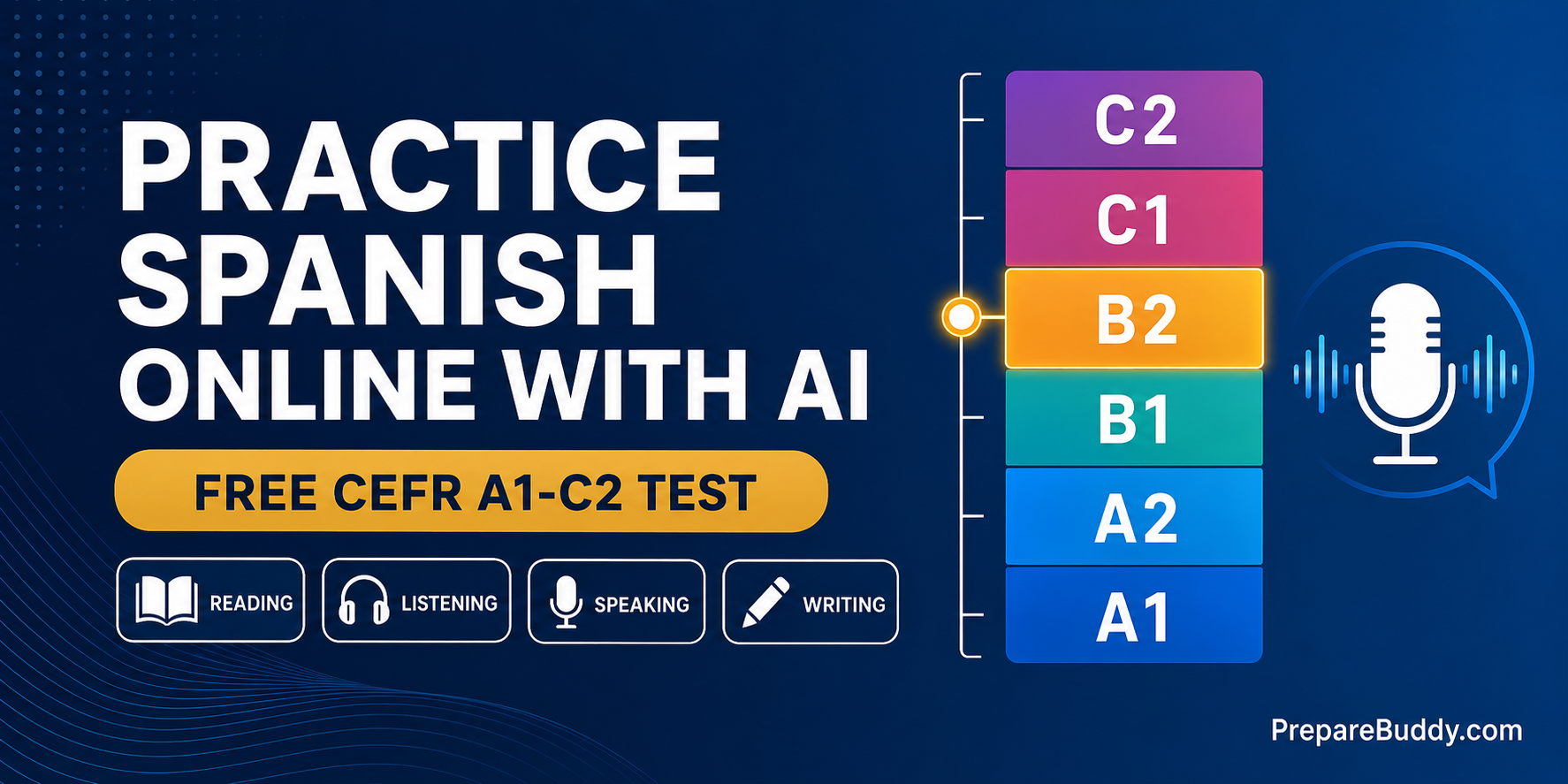
Most "Spanish level tests" you find online are a 20-question grammar quiz that hands you a B1 badge and asks for your email. They never hear you speak. They never read anything you wrote. And they certainly never check whether you can follow a native speaker at conversational speed. That is not a proficiency test - that is a lead magnet with a certificate template.
If you want to practice Spanish online and get a level you can actually put on a CV or use to pick a course, you need all four skills tested - reading, listening, speaking and writing - and a result mapped to the CEFR scale that European institutions actually recognise. PrepareBuddy's Adaptive Language Proficiency (ALP) engine does exactly that, in Spanish, free to try.
What a real Spanish CEFR test has to measure
The Common European Framework of Reference organises proficiency into six levels - A1 to C2 - grouped as Basic, Independent and Proficient User, and defined through "can-do" descriptors rather than grammar checklists. That last part matters: you are not judged on whether you know the subjunctive in the abstract, but on whether you can use it to do something real.
PrepareBuddy scores your performance on an internal 0-100 scale and maps it to CEFR, both overall and per skill:
| CEFR Level | Score Range | What it means in Spanish |
|---|---|---|
| C2 | 85-100 | Mastery - you understand virtually everything you read or hear |
| C1 | 68-84 | Advanced - you express ideas fluently and spontaneously |
| B2 | 51-67 | Upper Intermediate - you interact with fluency and spontaneity |
| B1 | 34-50 | Intermediate - you handle most situations while travelling |
| A2 | 17-33 | Elementary - you communicate in simple, routine tasks |
| A1 | 0-16 | Beginner - you use familiar everyday expressions |
You get a level per skill, not just one number. That is deliberate. Most learners are lopsided - strong readers, weak speakers - and a single overall band hides exactly the gap you need to work on.
The 18 question types behind your Spanish score
ALP uses 18 purpose-built question types across the four skills. Not one multiple-choice format repeated 40 times.
| Skill | Types | Examples of what you actually do |
|---|---|---|
| Reading | 7 | Read and Select, Complete Word, Complete Sentences, Identify Idea, Title the Passage, Highlight the Answer, Interactive Reading |
| Listening | 2 | Listen and Type, Interactive Listening |
| Speaking | 6 | Read Aloud, Listen and Speak, Speak About a Photo, Read Then Speak, Interactive Speaking, Speaking Sample |
| Writing | 3 | Write About a Photo, Interactive Writing, Writing Sample |
Three of those types are deliberately multi-skill: Read Aloud scores speaking and reading, Listen and Speak scores speaking and listening, Read Then Speak does the same for reading. Real language use is integrated, so the scoring is too.
The audio is Spanish, not text-to-speech noise
Listening items are generated with native-quality TTS using three named Spanish voices - Lucia, Mateo and Javier - assigned consistently to speakers so a dialogue actually sounds like two different people. Across the platform, PrepareBuddy supports 11 languages and 30+ English accents in its voice systems.
The interface is in Spanish too
This is the detail most platforms skip. On a Spanish ALP test the entire test-taking interface is localised - task instructions, question-type labels, photo prompts, buttons, recording-status messages, confirmation dialogs. Around 86 UI strings per language. You do not get the jarring "English instructions on a Spanish test" experience that Duolingo-style engines still ship with. The one thing never translated is your own answer - producing Spanish is the entire point.
Placement mode: finding your level instead of guessing it
Here is where a genuine placement differs from a quiz. ALP runs in two modes:
- Targeted - someone picks a CEFR level up front and the test measures you against it. Useful when a school already knows roughly where a cohort sits.
- Placement (detect the level) - nobody picks anything. The engine generates content spread across all six CEFR bands (roughly 9 items per band, ~54 total), tags each item with its band, and detects your level from how you handle the full A1-C2 range.
Placement is the honest default, and it comes with a rule worth knowing before you start: scoring is full-denominator, real-exam style. Every question counts, and unanswered questions score zero. Answer half the test brilliantly and you still will not place high - the blanks count against you. Same for empty speaking or writing stubs. A real spoken attempt keeps its score even if it is shaky; a skipped one does not.
Alongside your headline level, the result page shows a comprehension-by-band diagnostic: your success rate per CEFR band on the objective questions, and the highest difficulty you sustained (60%+ across that band's full item set). Speaking and writing tasks are excluded from that chart - they are graded on production, not correctness - so the two views never contradict each other.
Speaking practice: live conversation, not record-and-submit
The gap in almost every Spanish app is the same: you never actually talk to anything. PrepareBuddy's Spanish speaking practice runs on live voice AI with 48-emotion detection, real-time pronunciation scoring and fluency analysis.
| Aspect | Typical app / test | PrepareBuddy Spanish speaking practice |
|---|---|---|
| Format | Record and submit a clip | Live back-and-forth conversation (~10 minutes) |
| Topic | Assigned prompt | You choose |
| AI role | Formal examiner script | Natural conversation partner |
| Correction | At the end only | Implicit - natural rephrasing mid-conversation |
| Feedback | A score | CEFR-aligned evaluation + multi-perspective feedback |
Multi-perspective feedback on every spoken and written answer
Every Spanish speaking and writing response gets a three-angle feedback panel instead of a lone number:
- Examiner - rubric-focused critique naming the specific CEFR descriptor gaps
- Study Coach - one actionable improvement, with a before/after rewrite of what you actually said or wrote
- Fellow Student - the score impact, plus a practical study technique to close it
That before/after rewrite is the part learners report using most - seeing your own sentence upgraded to the next band is far more useful than being told you are "B1 in writing".
How to use this as an actual study loop
- Take the placement test. Answer everything - remember, blanks score zero. You get an overall CEFR level plus four per-skill levels.
- Find your weakest skill. It is usually speaking or listening. The per-skill breakdown makes it obvious.
- Run live conversation practice in that area, 10 minutes at a time, choosing topics you would actually need Spanish for.
- Read the Study Coach rewrite after each session and use the corrected structure in the next one.
- Retest after 4-6 weeks and compare per-skill bands, not just the headline level.
The same engine and the same CEFR scoring apply across all 11 supported languages - Spanish, French, Italian, Portuguese, German, Chinese, Japanese, Korean, Hindi, Russian and Arabic - so if you are learning two at once, the results are directly comparable.
For schools and institutes teaching Spanish
The same engine runs behind institutional deployments: placement testing for enrolment and streaming, entrance and exit testing to prove progress, and a full adaptive language testing setup under your own branding. PrepareBuddy works with 200+ institutions and 50,000+ students prepared, with a 24-48 hour deployment window and 75% time saved on grading. If that is your situation, the language institute page covers it properly.
Try it in Spanish, free
First month free, no credit card required, no lock-in. Start with the placement test and find out where your Spanish actually sits across all four skills.
Take the free Spanish CEFR test now - or explore live Voice AI speaking practice, run the quick diagnostic, or create a free account to track your progress across retests.


Join the Discussion