

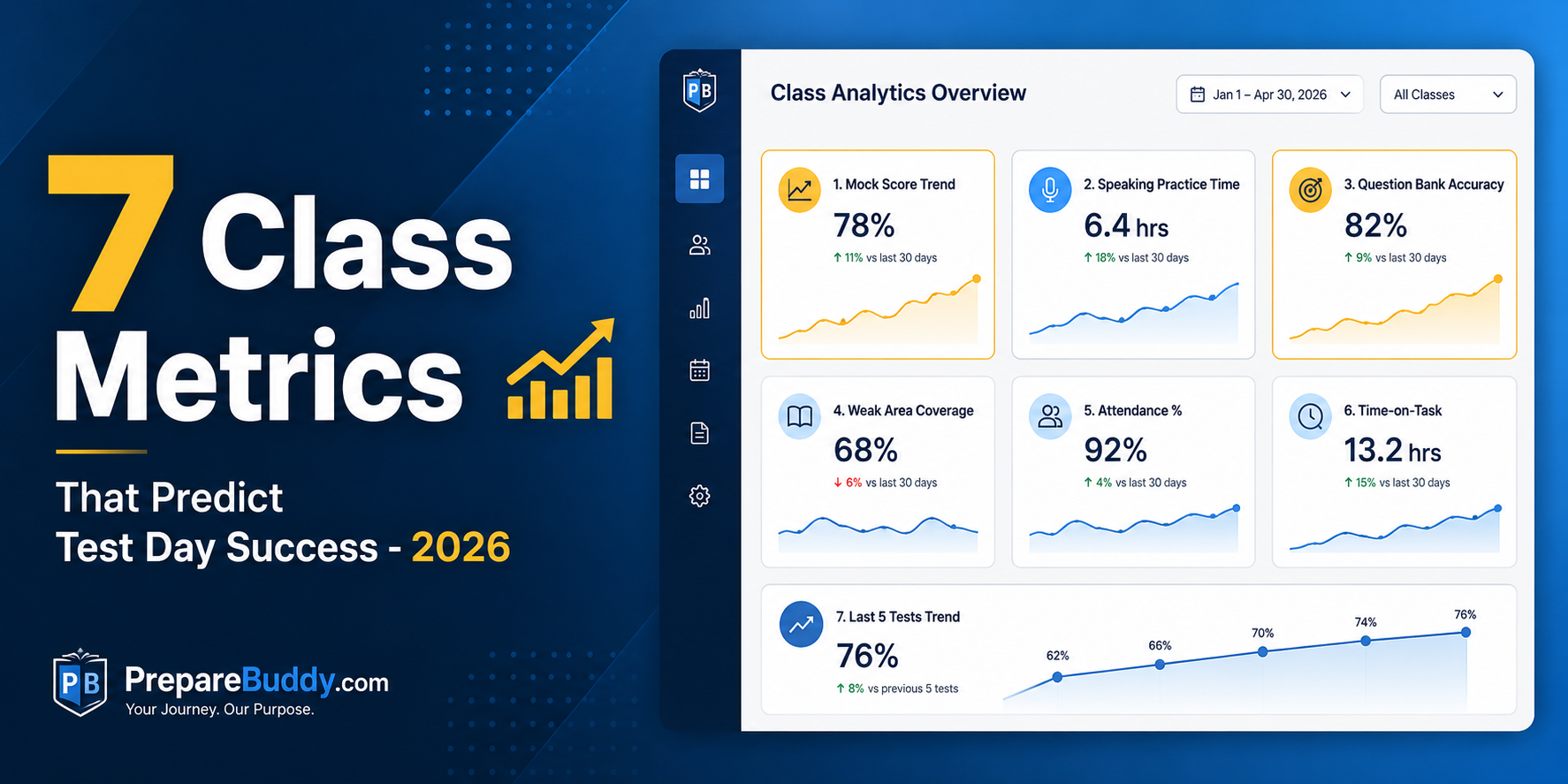
Most coaching centers don't lose students at the test. They lose them three weeks before — when scores plateau, attendance dips, and nobody notices until it's too late. The institutes consistently sending students into IELTS, PTE, TOEFL, GRE, and GMAT exams with confidence aren't more talented. They're more observant. They watch the right seven numbers every week and intervene before the slide turns into a refund request.
This guide breaks down the class analytics for test prep dashboards that high-performing centers actually look at, why each metric predicts test day outcomes, and the thresholds that should trigger a coach conversation. If you run a center on PrepareBuddy's white-label coaching platform, every metric below is already wired into your admin analytics dashboard — no spreadsheets, no Power BI consultants.
Why Surface-Level Metrics Fail Test Prep Centers
"Average score" is a vanity metric. It tells you what already happened. By the time a student's mock test average drops, the underlying behavior — skipped sessions, rushing through speaking practice, ignoring writing feedback — has been visible for two to three weeks. Predictive analytics flips the order: behavior first, score second. PrepareBuddy's recommendations engine surfaces up to 10 prioritized insights per student per week, sorted by urgency from "Urgent" (red) to "Improvement" (green), so coaches see drift before it becomes failure.
The 7 Predictive Metrics That Matter
1. Inactivity Streak (Days Since Last Activity)
The single strongest leading indicator of a missed test or dropped course. Students who go 14+ days without logging in rarely recover their original prep momentum. PrepareBuddy's At-Risk Students alert (top of the admin analytics dashboard) auto-flags any student inactive for two weeks, regardless of how strong their last score was.
Coach action threshold: 7 days inactive → automated nudge email. 14 days → personal call from the assigned coach.
2. Section-Level Score Gap (Not Total Score)
An IELTS 6.5 student with Listening 7.5 and Writing 5.5 has a totally different problem from an IELTS 6.5 student who's flat 6.5 across the board. The first one needs targeted writing intervention; the second needs a difficulty bump. PrepareBuddy's per-student dashboard renders a section radar chart for IELTS, TOEFL, PTE, OET, CELPIP, and Duolingo so the gap is impossible to miss.
Coach action threshold: Any section more than 1.0 band (or 15 points on PTE/TOEFL scales) below the student's strongest section.
3. Completion Rate (Assigned vs Finished)
If a student is assigned 20 mocks and completes 6, no scoring algorithm can save the score. Completion rate is the discipline metric — and it predicts test day no-shows almost as well as it predicts low scores. PrepareBuddy flags any student under 30% completion as at-risk by default.
4. Score Trend (90-Day Direction, Not Snapshot)
A student trending from PTE 65 → 68 → 71 over 12 weeks is on a different trajectory than one trending 75 → 72 → 68 — even though the second has a higher "current average." The 90-day line chart on PrepareBuddy's student overview dashboard plots both attempt scores and time-on-task on a dual y-axis so you spot regression early.
Coach action threshold: Any 15%+ score drop across 90 days triggers a Warning-priority recommendation.
5. Time-Per-Question (Pacing)
Especially critical for adaptive tests like the GRE and GMAT, and for PTE Reading and TOEFL Reading where pacing kills more scores than knowledge gaps. The exam pacing chart breaks down time per question across attempts — showing whether a student is improving accuracy by burning time, or genuinely getting faster.
6. Speaking Practice Engagement (Voice AI Sessions Per Week)
This one is unique to centers running Voice AI speaking practice. Students who do fewer than 3 Voice AI conversation sessions per week before a speaking-heavy test (IELTS Speaking, PTE Speaking, TOEFL Speaking, OET) score on average a full band below students doing 5+ sessions. With Voice AI offering real-time pronunciation scoring, fluency analysis, and 48-emotion detection across 30+ English accents, low engagement is purely a behavior problem — not access.
7. Streak (Consecutive Active Days)
The simplest metric on the list and one of the most predictive. A 21-day streak before a test correlates with significantly higher score retention than cramming patterns. The student portal dashboard surfaces the streak prominently in the Weekly Progress strip, gamifying consistency in a way that doesn't feel like gamification.
Predictive Metrics vs. Lagging Metrics: What Coaches Should Watch
| Metric | Predictive or Lagging? | Coach Visibility | Action Trigger |
|---|---|---|---|
| Inactivity Streak | Predictive (leading) | At-Risk Alert | 7+ days idle |
| Section Score Gap | Predictive | Section Radar Chart | 1.0 band gap |
| Completion Rate | Predictive | Quick Stats Card | <30% completed |
| 90-Day Score Trend | Predictive | Trend Line Chart | 15%+ drop over 90d |
| Time-Per-Question | Predictive | Pacing Chart | Above test average pace |
| Voice AI Sessions/Week | Predictive | Speaking Tab Stats | <3 sessions/week pre-test |
| Active Days Streak | Predictive | Weekly Progress Strip | Streak break |
| Total Average Score | Lagging | Quick Stats Card | Confirms damage already done |
| Final Mock Score | Lagging | Recent Activity Feed | Too late to intervene |
How PrepareBuddy's 4 Dashboards Stack Up for a Coaching Center
Different stakeholders need different views. PrepareBuddy ships four role-aware dashboards out of the box:
- Student Portal Dashboard (
/portal/) — the single post-login landing for every learner. Time-aware greeting, Today's Focus card showing the highest-priority next action, weekly progress strip with streak, completed tests, new university matches, and journey stages advanced. - Student Overview Dashboard — the per-student deep dive. Used by coaches when they pull up a student profile. Tab structure (Exams, Language Tests, Assessments, Psychometrics) hides empty sections automatically — no clutter.
- Admin Analytics Dashboard — the org-level view. At-risk alerts, examiner performance, group performance, monthly trends, language test breakdown by type. This is where center managers spend their morning.
- Super Admin Dashboard — for multi-branch centers. Branch comparison, member growth, parent + child org aggregation. Critical for franchise-style coaching businesses.
The Parent View: A Quiet Retention Multiplier
Most centers ignore this, but parent visibility correlates strongly with renewal. PrepareBuddy lets students generate a 30-day shareable parent link from their dashboard — no login required for the parent. They see a clean read-only summary: health score (color-coded ring), last active, completion rate, 90-day score trend, language test scores, and study abroad journey progress. Centers that encourage parent links see materially fewer mid-course refund requests.
From Insight to Intervention: The Recommendations Engine
Dashboards alone don't change outcomes. PrepareBuddy's recommendations engine generates up to 10 prioritized, data-driven insights per student per week, sorted across six priority tiers — Urgent, Warning, Action, Improvement, Info, Success. Examples coaches see daily:
- Urgent: "3 exams due this week."
- Warning: "Scores dropped 15% over 90 days."
- Improvement: "IELTS: Reading (5.5) lags behind Listening (7.0)."
- Success: "90% completion rate — excellent discipline."
The engine refuses to suggest features the student hasn't used. No "try Voice AI" prompt for someone who doesn't have access. Empty list = section hidden entirely. This is what makes the recommendations actionable instead of noise.
Getting Started Without Rebuilding Your Stack
Most centers don't need to change their teaching method. They need a system that watches the right numbers and tells coaches who to call this week. PrepareBuddy deploys in 24-48 hours as a fully white-label platform — your domain, your logo, your colors, zero PrepareBuddy branding visible to students. First month is free, no credit card, no lock-in. Schedule a demo to see your own at-risk alerts populate inside a working sandbox, or try a free diagnostic test to experience the analytics depth from the student side first.


Join the Discussion