

The single most expensive student in a study abroad consultancy is the one nobody noticed had gone quiet. They paid the deposit, finished the IELTS, started shortlisting universities — and then the counselor moved on to ten new leads. Two months later, the student WhatsApps to ask for a refund.
Most consultancies build the front of the funnel beautifully — landing pages, lead forms, free counselling sessions. The back of the funnel is where money leaks out: documents half-uploaded, LOR requests sitting in a counselor's inbox, visa interviews scheduled by the student alone. By the time the counselor opens that file, the application deadline has passed and the family has moved to another agency.
That is the problem stage stall detection is built to solve. This playbook walks through how AI-powered student journey management catches stuck students before they drop off — what to measure, when to alert, who to escalate to, and how to wire it into a counselor's day so nothing slips.
Why study abroad funnels leak (and where the leaks hide)
A typical study abroad student crosses 10 distinct stages between first conversation and post-arrival settlement. PrepareBuddy's Student Journey maps these as: Test Preparation, Country & Course Selection, Requirements & Deadlines, Document Preparation, Application Submission, Admit & Decision, Financial Preparation, Visa Process, Pre-Departure, and Post-Arrival.
Every transition between stages is a fragile handoff. A student may stop replying because they are overwhelmed, because a parent changed their mind, because a competitor swooped in, or because they genuinely don't know what to do next. The counselor has no way to tell which is which until it's too late.
The four silent killers in study abroad pipelines
| Silent killer | What it looks like | Typical lag before counselor notices |
|---|---|---|
| Stage stall | Active stage hasn't moved in days | 3–6 weeks |
| LOR stuck in request limbo | Professor hasn't responded; nobody re-pinged | 2–4 weeks |
| Last-login decay | Student stopped logging in | 2–8 weeks |
| Deadline drift | Application or visa deadline closing in, nothing submitted | Until the deadline passes |
What stage stall detection actually does
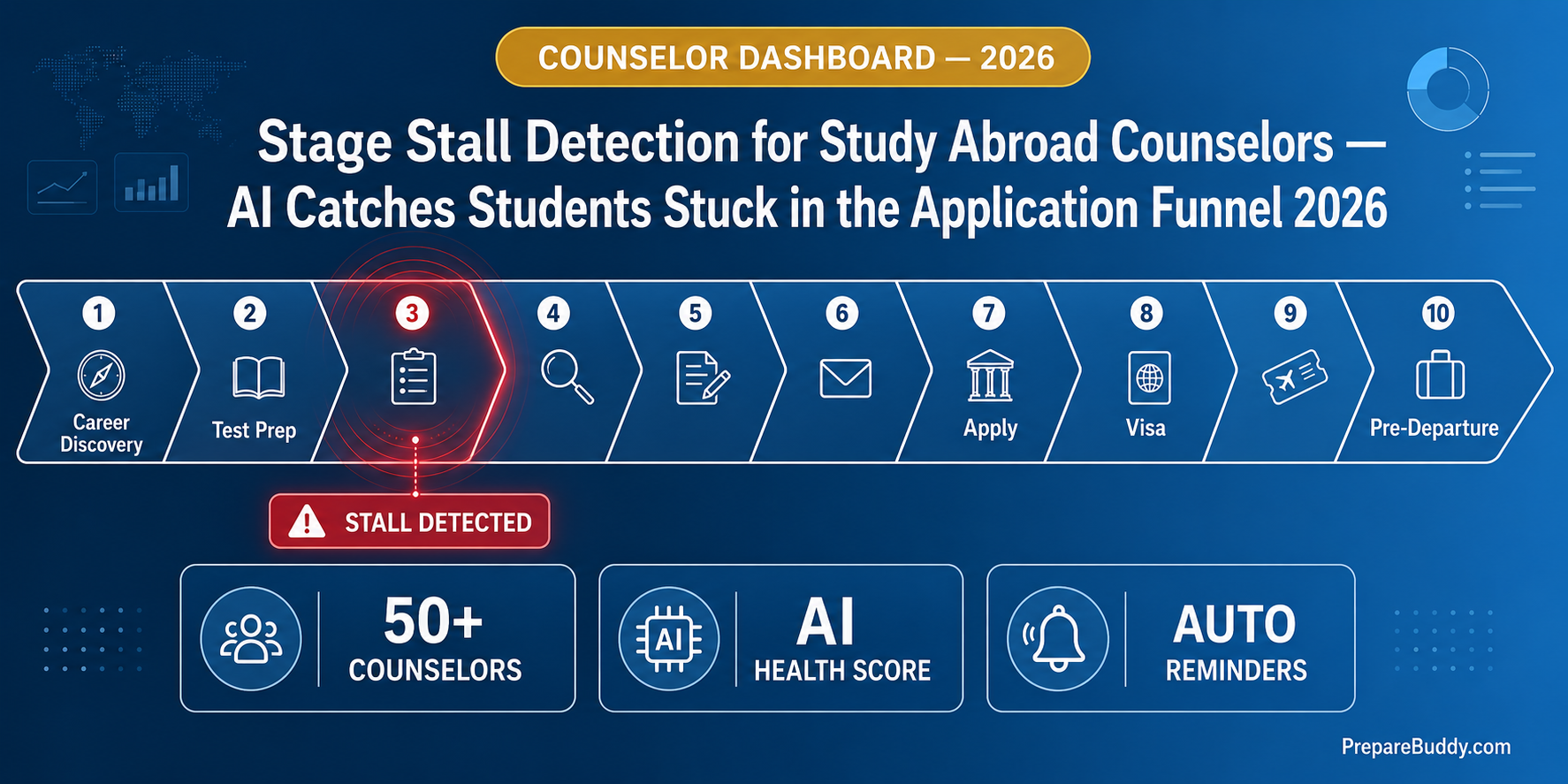
Stage stall detection is the layer that watches every active stage in every student's pipeline and surfaces the ones that have gone quiet — long before a human counselor would have caught them. In PrepareBuddy's Student Journey, a stage is marked stalled when its most recent in_progress status started more than 7 days ago without progress. The counselor overview table shows an amber "Stalled Xd" badge in the Current Stage column the moment that threshold is crossed.
It is paired with a Last-Login Alert: students whose last login was more than 14 days ago surface as a red timestamp on the counselor dashboard. Together, these two signals give a counselor a 30-second read across a portfolio of hundreds of students.
The 0–100 Journey Health Score
Stall badges tell you who is stuck right now. The Journey Health Score tells you who is at risk of stalling next. It is a live, counselor-visible number from 0 to 100 computed from five risk dimensions:
| Risk dimension | Max deduction | Trigger |
|---|---|---|
| Deadline risk | 30 pts | Any deadline within 7 days |
| LOR risk | 20 pts | LOR stuck more than 14 days |
| Document risk | 20 pts | Pending required documents |
| Stage progress | 20 pts | No stages in progress or completed |
| Test expiry | 10 pts | Score expiring within 90 days |
Colour thresholds give a counselor a glanceable triage: Green at 70 or above means the student is on track; Amber 40–69 means needs attention; Red below 40 means at-risk and should be the next person the counselor picks up the phone for. The column is client-side sortable, so a counselor can open the dashboard and sort by lowest score to find the most urgent calls of the day.
From alerts to action: the email reminder layer
Dashboards only work for counselors who open them. For everyone else — students who need a nudge, org admins who manage 50 counselors, parents waiting for visibility — PrepareBuddy ships five built-in email reminder types that run on a zero-cron background thread, so no DevOps work is required:
| Reminder type | Trigger | Recipient | Cadence |
|---|---|---|---|
| Application deadline | 7 days, then 3 days out | Student | Once per threshold |
| LOR stall | LOR stuck 14 days | Student | Once per stall event |
| Test score expiry | 90 days, then 30 days out | Student | Once per threshold |
| Stage stall alerts | Active stage idle 7+ days | Org admins / super admins | Every 3 days |
| Inactive student alerts | Last login 14+ days ago | Org admins / super admins | Every 3 days |
The combined effect is that nobody needs to remember anything. A student who has gone quiet hears from the system once. Their counselor's manager gets a digest every three days listing exactly which students need a personal call. The agency owner gets a weekly cohort digest with average health score, at-risk count, and upcoming deadlines.
Auto-flagging: when a stage escalates itself
Counselors should not have to remember which stages have failure modes. On every dashboard load, PrepareBuddy's auto-flag scanner promotes a stage to needs_attention the moment any of these conditions hit:
- Stage 3 — Requirements: an application deadline is within 14 days
- Stage 4 — Documents: a required document has been pending for more than 7 days
- Stage 5 — Applications: a LOR is stuck in to_request or requested for more than 14 days
- Stage 7 — Financial: a financial plan exists but amounts are zero
- Stage 8 — Visa: a visa application is marked rejected
The amber needs-attention flag travels with the student wherever they appear — overview row, student detail page, AI advisor briefing — so a counselor opening any view sees the same problem highlighted the same way.
The proactive AI briefing every counselor opens with
Stale dashboards die. PrepareBuddy's AI Tutor and journey AI advisor ("My Process Advisor") inject a proactive daily briefing card at the top of every student journey on page load. It reads the urgency-items count, surfaces the single highest-priority action, and adapts the greeting to time of day. The same advisor runs in three modes — student view, counselor-on-student view, and a counselor overview mode that aggregates data across every assigned student — so a counselor opening their dashboard can ask a question like "who are the five students I need to call today?" and get a ranked answer from the same data the health score is computed on.
How to roll this out at a 500-student consultancy
- Week 1 — Import. Bulk-import every active student into the Student Journey module. Each JourneyProfile auto-creates all 10 stages plus financial, visa, and pre-departure records.
- Week 2 — Train counselors. One 45-minute session on reading the dashboard: sort by health score, scan for amber stall badges and red last-active timestamps, work the bottom 20 first.
- Week 3 — Wire reminders. Enable all five reminder types and the weekly cohort digest. Confirm the admin email list catches stall and inactive alerts.
- Week 4 — Define the SLA. A stalled student gets a counselor call within 48 hours. A red-zone health score gets a senior counselor escalation within 24 hours. An inactive student gets a personalised email plus WhatsApp within 72 hours.
What changes when stall detection runs
For an agency running on PrepareBuddy's white-label Student Journey, deployment takes 24–48 hours and the first month is free. The visible change in the first 30 days is usually the same: counselors stop discovering problems in conversations with parents and start discovering them on the dashboard. Conversion to admit-stage and visa-stage holds steadier across the cohort because the students who would have silently dropped now get one more nudge, one more call, one more reason to stay engaged.
The deeper change is cultural. "Who is at risk this week?" stops being a question that gets answered in standups and starts being a column on a screen. That is what AI-powered student journey management is really for.
See it on your own pipeline
If you run a study abroad consultancy and want to see how stage stall detection, health scoring, and zero-cron reminders behave on your own student data, schedule a demo. For a self-serve look at the underlying modules, explore Student Journey, University Recommendations, and AI Tutor, or read the broader playbook for education consultants. The first month is free, deployment is 24–48 hours, and there are no lock-in contracts. Sign up when you are ready.


Join the Discussion