

Most GMAT Focus test-takers walk in confident about Quant and Verbal, then lose their target score in a section they barely practiced: Data Insights. It carries equal weight to the other two sections, yet it blends math, logic, and reading into question formats that look nothing like the rest of the exam. If you want a 705+ on the 205–805 scale, you cannot treat Data Insights as an afterthought — it is one-third of your score.
This guide breaks down all five GMAT Data Insights question types, the timing math that trips people up, and a section-by-section strategy to score high in 2026. It also shows how adaptive, AI-scored practice closes the gap faster than static question banks.
What Is the GMAT Focus Data Insights Section?
Data Insights (DI) is one of three equally weighted sections on the GMAT Focus Edition, alongside Quantitative Reasoning and Verbal Reasoning. It measures how well you interpret and combine information from multiple sources — tables, graphs, text, and numbers — the way you would in a real business or analytics role.
Here is the structure at a glance:
| Attribute | Data Insights Detail |
|---|---|
| Number of questions | 20 |
| Time allotted | 45 minutes (~2 min 15 sec per question) |
| Section scaled score | 60–90 |
| Total GMAT Focus scale | 205–805 (three sections, equally weighted) |
| Calculator | On-screen calculator permitted in DI only |
| Question types | 5 (see below) |
| Partial credit | None — all parts of a question must be correct |
That last row is the silent killer. Many DI questions have multiple parts, and you earn the point only if every part is right. A single careless click can cost you a question you essentially understood.
The 5 GMAT Data Insights Question Types
Your whole DI strategy starts with recognizing which of the five formats is in front of you, because each rewards a different reading and time-budget approach.
| Question Type | What It Tests | Rough Share of Section | Time Budget |
|---|---|---|---|
| Data Sufficiency | Whether given statements provide enough information to answer — not the answer itself | 20–40% | ~2 min |
| Graphics Interpretation | Reading scatterplots, bar charts, and line graphs, then completing drop-down statements | 20–30% | ~2–2.5 min |
| Table Analysis | Sorting a spreadsheet-style table to evaluate true/false or yes/no statements | 10–20% | ~2.5 min |
| Two-Part Analysis | Choosing two related answers from a shared column set (math or verbal logic) | 10–20% | ~2.5 min |
| Multi-Source Reasoning | Synthesizing 2–3 tabs of text, tables, and charts across several linked questions | 10–20% | ~3 min (first question) |
1. Data Sufficiency
The only DI type that survives from the classic GMAT. You decide whether statement (1), statement (2), both, or neither is sufficient — you never actually solve for the value. The trap is doing unnecessary arithmetic. Train yourself to stop the moment sufficiency is established.
2. Graphics Interpretation
You read a chart, then fill drop-down blanks. The key is to read the axis labels, units, and scale before looking at the statements. Most errors here are misread units, not bad reasoning.
3. Table Analysis
You get a sortable table and a set of statements to mark true/false. The on-screen sort button is your best friend — sort by the column the statement references rather than scanning rows manually.
4. Two-Part Analysis
Two answers, often interdependent, chosen from one column of options. Solve the more constrained part first; it usually narrows the second choice dramatically.
5. Multi-Source Reasoning
The most reading-heavy format. You toggle between tabs to answer several questions. Skim all tabs once to map where each kind of data lives, then return only to what each question needs — do not re-read everything for every question.
Timing: The Real Reason Scores Drop
With 20 questions in 45 minutes, your average is about 2 minutes 15 seconds. But the section is uneven: Multi-Source Reasoning and Table Analysis eat time, while a clean Data Sufficiency question can take 90 seconds. The winning move is a flexible budget, not a fixed one.
| Checkpoint | Questions Done | Time Elapsed (target) |
|---|---|---|
| First quarter | 5 | ~11 min |
| Halfway | 10 | ~22 min |
| Three-quarters | 15 | ~34 min |
| Finish | 20 | ~45 min |
Because GMAT Focus is section-adaptive and lets you review and edit answers within a section, bookmark the two or three questions that threaten to run long, answer everything else, then return with your remaining minutes.
A 4-Week Data Insights Study Plan
- Week 1 — Diagnose and learn the formats. Take a full timed DI section to find your weakest of the five types. Study each format's instructions until they are automatic; reading directions on test day wastes scoring time.
- Week 2 — Drill by type. Do focused sets of one question type at a time. Master Data Sufficiency logic and Graphics Interpretation unit-reading first — together they are the largest share of the section.
- Week 3 — Mixed sets under time. Practice 10-question mixed sets at exam pace so you build the habit of switching formats and budgeting time on the fly.
- Week 4 — Full sections and review. Take full 20-question, 45-minute sections every other day. Review every miss — especially multi-part questions where one wrong sub-answer cost the point.
How AI-Powered Practice Closes the Gap Faster
The hardest part of self-study is honest feedback: knowing not just that you missed a question, but why. PrepareBuddy's GMAT preparation generates unlimited practice content across all three sections using a 120B-parameter AI model, with quality checks that catch answer-key errors before a question ever reaches you. Generated GMAT questions pass through a math verifier for problem-solving and data-sufficiency items and a cross-model consensus verifier for verbal-style reasoning, so you practice on content that mirrors the real exam.
Because Data Insights rewards pattern recognition, adaptive testing matters: the platform mirrors the real GMAT's section-level difficulty adjustment, serving harder questions as you improve so you are always practicing at your edge instead of grinding questions that are too easy. A free diagnostic test pinpoints which of the five DI types is dragging your score, and AI study plans rebuild your schedule around that weakness. When you get stuck, the 24/7 AI tutor explains the reasoning step by step, and analytics track accuracy and pace by question type so you can see progress week over week.
Frequently Asked Questions
How many questions are in GMAT Data Insights?
The Data Insights section has 20 questions to be completed in 45 minutes, an average of about 2 minutes and 15 seconds per question.
What are the five GMAT Data Insights question types?
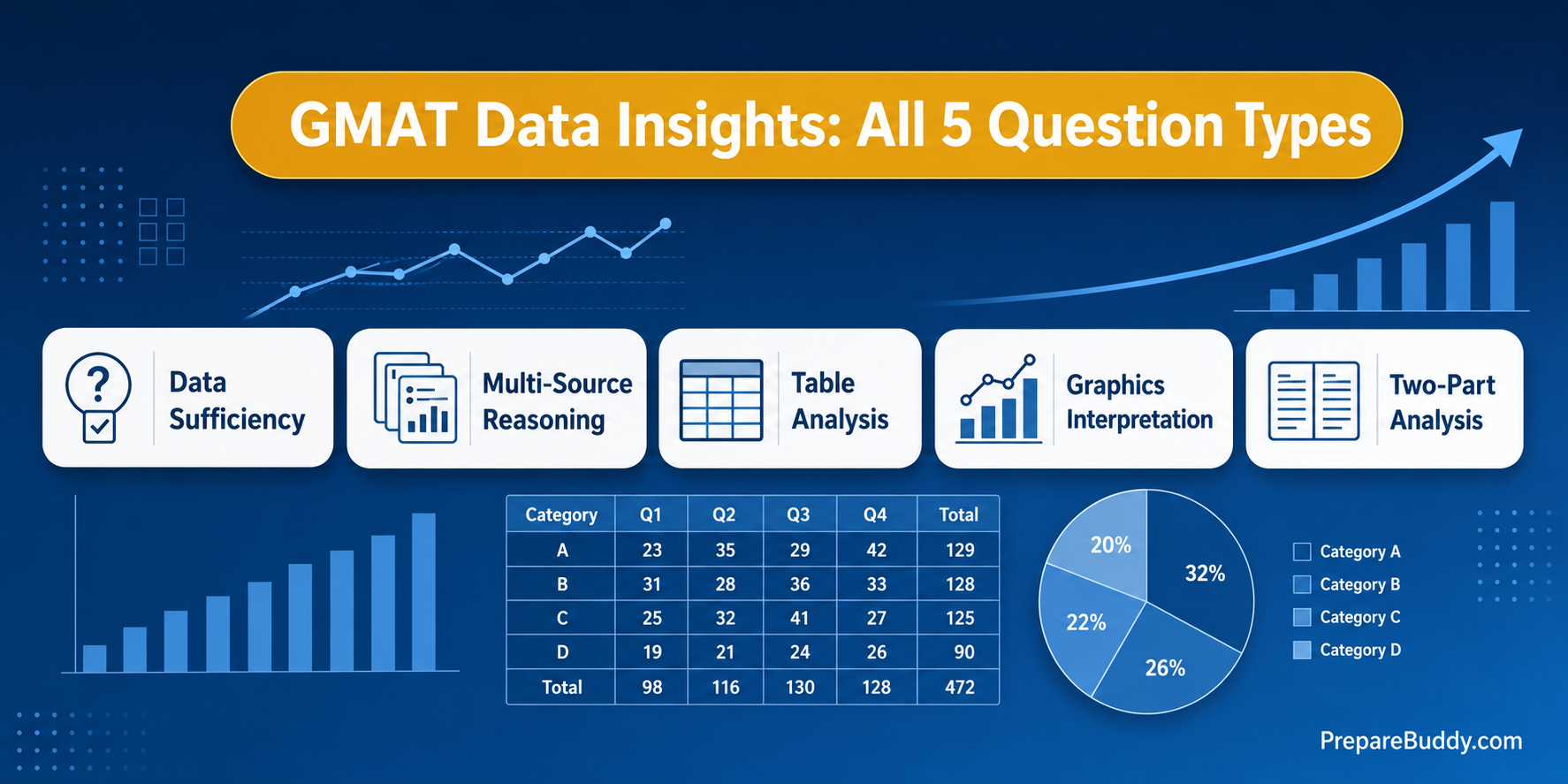
They are Data Sufficiency, Multi-Source Reasoning, Table Analysis, Graphics Interpretation, and Two-Part Analysis.
Is Data Insights harder than Quant on the GMAT Focus?
It is not necessarily harder, but it is unfamiliar — it blends math, logic, and reading into formats that do not appear elsewhere on the exam, so it requires dedicated practice. It is weighted equally with Quant and Verbal in your total score.
Can I use a calculator in Data Insights?
Yes. An on-screen calculator is available in the Data Insights section only; it is not permitted in Quantitative Reasoning.
How can I practice GMAT Data Insights online?
You can practice all five Data Insights question types with PrepareBuddy's AI-generated GMAT content, take a free diagnostic to find your weakest type, and use adaptive practice that adjusts difficulty as you improve.
Start Practicing Data Insights Today
Data Insights is the section most candidates under-prepare and the one most likely to decide whether you hit your target. Learn the five formats cold, practice them under realistic timing, and get feedback that tells you why you missed. Try a free GMAT practice test to see where you stand, or sign up free — first month free, no credit card required — to build an adaptive Data Insights study plan that targets your weakest question type.



Join the Discussion