

A 200-student coaching center loses roughly 18 hours every week to manual operations: chasing expiring enrollments, toggling premium features for paying students, generating invoices in three currencies, and approving every speaking test result before the student sees the score. Multiply that by 12 months and a single owner-operator is paying for a full-time admin just to keep the lights on. In 2026, the coaching centers winning their cities have stopped paying that tax.
This is the story of student lifecycle automation — the operational backbone that decides whether a coaching center scales from 50 students to 500 without burning out the founder. Below is how the most-used architecture works, what it replaces, and the exact controls owners use today on PrepareBuddy's white-label institute platform.
The Five States Every Student Passes Through
Most coaching center software treats a student as a binary: active or not active. Real operations are messier. A student who paid in March, finished classes in June, and is asking about their writing scores in July is neither active nor expired — and locking them out the day their tenure ends is how coaching centers lose word-of-mouth referrals.
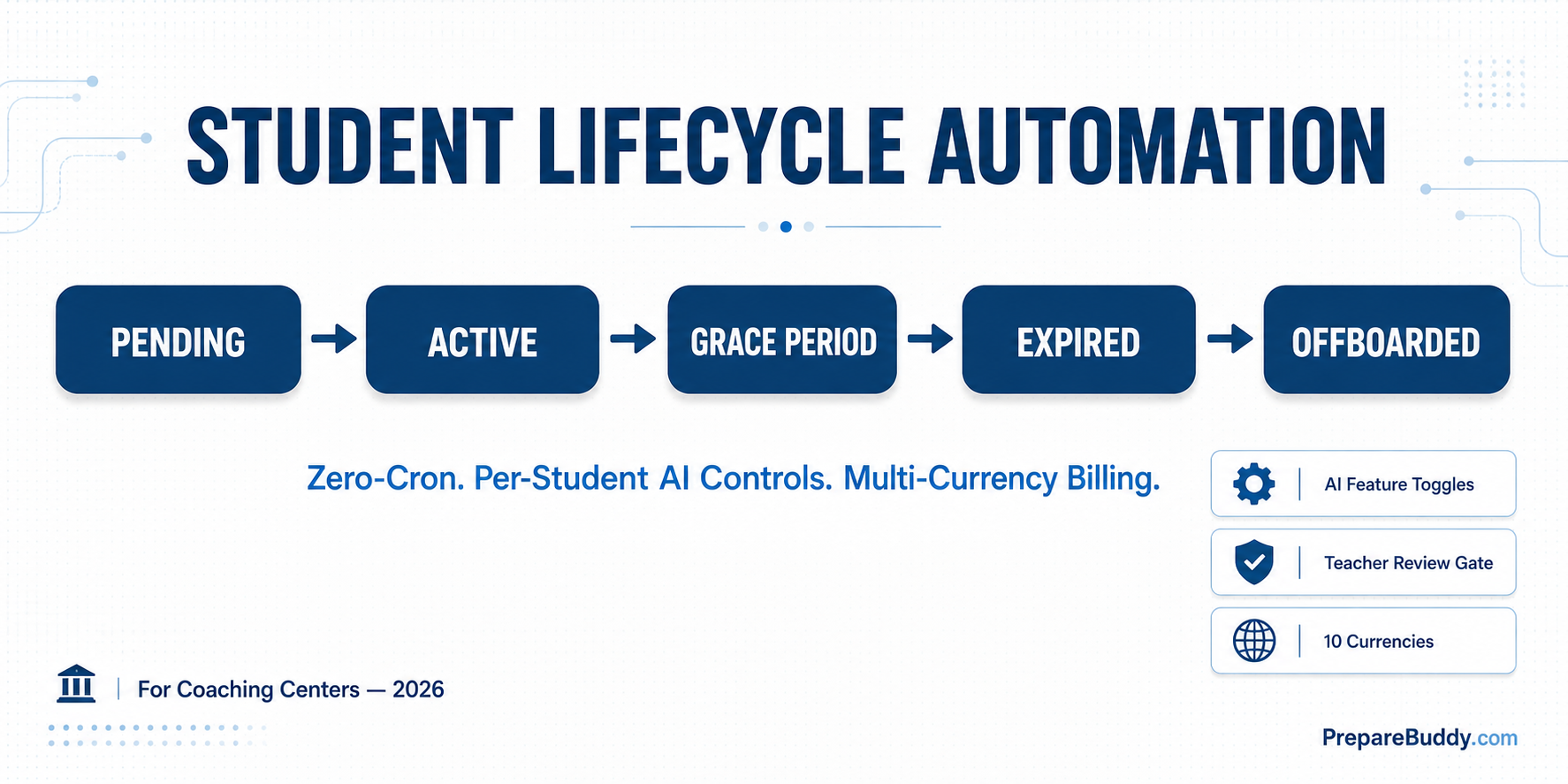
A modern lifecycle engine models five distinct states with automatic transitions between them:
| State | What it Means | Student Access | Triggered By |
|---|---|---|---|
| Pending | Enrollment created, start date not reached | No access yet | Manual or invitation acceptance |
| Active | Within paid enrollment period | Full platform access | Start date arrives |
| Grace Period | Tenure expired, courtesy window open | Read-only access to past results | End date passes |
| Expired | Past grace window | No access; can be reactivated | Grace period ends |
| Offboarded | Formally removed from institute | No access | Admin action or auto-archival |
The critical detail: every transition above must run automatically. The moment a coaching center owner has to remember to flip a status manually, the system has failed. That is why the platform we run on uses zero-cron middleware — lifecycle checks execute as part of normal request processing, with a daily roll-up at midnight. There are no scheduled jobs to monitor, no failed Celery workers to restart, no "why is this student still active" support tickets at 11 PM.
Per-Student AI Feature Controls (the Pricing Lever Most Centers Miss)
The biggest unlock in 2026 isn't AI itself — it's granular control over which students get which AI features. A coaching center that sells three packages (Basic, Premium, Career-Track) needs to switch features on per enrollment, not platform-wide.
The seven controls that matter:
| Feature | What It Powers | Typical Use |
|---|---|---|
| AI Buddy | 24/7 AI tutor that remembers the student's progress | Premium tier upsell |
| AI Transcript | Speaking-response transcription with feedback | Speaking-focused IELTS / PTE tracks |
| AI Exam Generation | Unlimited custom mock tests on demand | Long-tenure or repeat students |
| Student Journey | 10-stage study-abroad pipeline | Consultant-led centers |
| Immigration Readiness | Country-specific score targets | Canada/Australia migration cohorts |
| Teacher Review Gate | 24-hour hold on auto-published scores | Quality-controlled language test results |
| University Recommendations | AI Reach/Target/Safety matching | Higher-education counselling tracks |
Why this matters: institutes that flip every AI feature on for every student burn margin. Institutes that gate features behind tier price points create upgrade paths. The same platform supports both a $99 self-paced plan and a $799 counselled-track plan with no extra integration work.
The 24-Hour Teacher Review Gate
One of the most-requested controls from coaching center owners is also the most overlooked in legacy software: a teacher review window before AI scores publish to the student. Owners want their teachers to verify the score, add encouragement, and flag edge cases — but they cannot block scores indefinitely or students lose trust.
The pattern that works in production:
- Student finishes a language test. The score is computed instantly by AI.
- If the enrollment has the review flag on, the student sees an "Awaiting teacher review" page with a live countdown.
- Every active examiner and admin gets an in-app notification plus an email with a deep link to the result.
- Teachers can save a comment, annotate any selection in the student's response, or release immediately.
- If no teacher acts, the result auto-publishes at the 24-hour mark — guaranteed, no exceptions.
The 24-hour ceiling is the contract with the student. The audit trail (who reviewed, when, whether it was auto-released) is the contract with the institute owner. Both ship in the same workflow.
Multi-Currency Billing Without a Finance Team
Coaching centers that sell across borders — IELTS for Canada-bound students in Mumbai, PTE for the Gulf, GRE for Sri Lankan engineers — bleed revenue when their billing system speaks one currency. A modern institute platform handles ten:
| Region | Currencies Supported | Tax Models Handled |
|---|---|---|
| South Asia | INR | GST (18% standard) |
| North America | USD, CAD | Sales Tax (variable by state) |
| UK & Europe | GBP, EUR, CHF | VAT (20% UK, varies in EU) |
| Asia-Pacific | AUD, SGD, JPY | GST and fixed-fee models |
| Middle East | AED | VAT (5%) |
Invoices flow through a six-stage lifecycle (draft → sent → viewed → paid, with overdue and cancelled branches), and every event is timestamped — including when the customer first opened the invoice email. That single data point closes follow-up loops faster than any dunning automation.
Quick Enrollment via Invitations (the Real Time-Saver)
The single biggest manual time-sink in a growing coaching center is account creation. Instead of building each student record by hand, invitation-based enrollment collapses the workflow into one step:
- Admin creates an invitation with email, role, course, tenure, and AI feature toggles.
- The system emails a unique link.
- The student clicks, the account is created automatically, the enrollment is provisioned with the configured settings, and AI features turn on per the invitation.
For a center adding 30 students a week, this collapses three hours of admin work into a single batch upload — and it bypasses site-wide domain restrictions, so invited students from any email domain can join even on locked-down deployments.
Why "Build Your Own" Fails the Math
Coaching center owners who price out an in-house lifecycle system usually quote development at $25,000 to $80,000 plus ongoing engineering. They almost always under-quote two things: the cost of not automating (the manual hours that creep back in) and the cost of operating cron jobs that fail silently. We unpack both in The Hidden Cost of Building Your Own Test Prep Platform, and the unit economics in The Unit Economics of an AI-Powered Test Prep Center.
What Coaching Centers Should Look For in 2026
If you are evaluating an institute platform this quarter, the lifecycle module is where most demos will fall apart. Use this checklist on every vendor call:
- Does it support five lifecycle states — not just active/inactive — including a configurable grace period?
- Are the transitions automatic without manual intervention or scheduled jobs you have to monitor?
- Can AI features be toggled per enrollment, not just per organization?
- Is there a teacher review gate with a guaranteed auto-release ceiling?
- Does billing handle your currency and tax model without a custom integration?
- Does invitation-based enrollment include AI feature provisioning?
- Is the entire stack white-label — your domain, your colors, your branded emails, with zero vendor branding visible to students?
Centers that get all seven boxes ticked typically deploy in 24 to 48 hours and report back roughly 18 hours per week reclaimed from manual operations within the first month.
Where to Start
The fastest way to evaluate any of this is to run a real cohort through it. Spin up a free workspace, configure a single course, invite five test students, and watch the lifecycle engine handle the next two weeks without you. Get started in under five minutes, book a guided walkthrough with our team, or compare deployment models on the pricing page. The first month is free, no credit card required.


Join the Discussion